1. Why Does Your Fiber Network Need the G-Link TR600 OTDR?
Are you dealing with high-latency signals or difficult-to-locate faults in your FTTx or Metro networks? In today’s landscape of cloud computing and video streaming, network downtime is not an option. We understand that technicians need more than just a basic tester; they need a reliable partner.
The G-Link TR600 OTDR (Optical Time-Domain Reflectometer) is specifically engineered for professional fiber optic diagnostics. Whether you are installing a new backbone or troubleshooting a metropolitan area network (MAN), this handheld powerhouse provides the precision and durability required for 24/7 network uptime.
What is a G-Link TR600 OTDR?
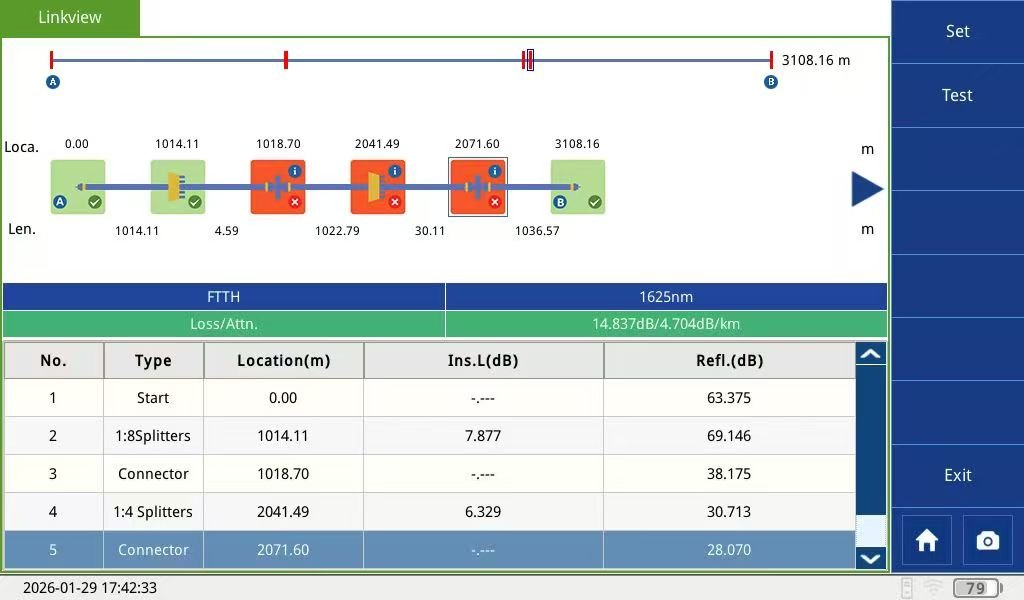
The G-Link TR600 OTDR is a high-performance, portable optical fiber tester designed for FTTx, Metro, and Backbone network certification. It features a 42dB high dynamic range, a 5.6-inch touchscreen, and over 8 hours of battery life. By sending light pulses and analyzing reflections, we help technicians locate faults, measure splices, and detect micro-bends with industry-leading accuracy.
2. What Makes the G-Link TR600 OTDR Stand Out in High-Performance Testing?
We have integrated 40 years of optical expertise into the TR600 series to ensure it meets the highest certification standards, including ISO9001 and CE.
- Unmatched Precision: With an Event Dead Zone of ≤1.8m and a dynamic range of up to 42dB, we ensure that even the smallest faults in long-distance spans are identified.
- Smart Auto-Measurement: No more manual configuration. Our “One-Click” auto-test sets parameters, saves data, and analyzes traces automatically.
- Ruggedized for the Field: Built with a shockproof and dustproof casing, the TR600 is designed to thrive in harsh outdoor environments.
3. How Does the TR600 Resolve Your Toughest Fiber Maintenance Pain Points?
Many technicians struggle with aging fiber or multi-core installations. The G-Link TR600 OTDR solves these with unique software capabilities:
- Trace Fixing Function: We allow you to compare a live trace with a saved reference trace simultaneously. This is essential for detecting subtle aging effects or verifying multi-core consistency.
- Live Signal Protection: Our “Optical Communication Detection” protects your instrument from being damaged by active signals in the fiber—a lifesaver for technicians working on live networks.
- Comprehensive Analysis: From 850nm (Multimode) to 1625nm (Live Fiber Testing), we provide the flexibility to test any network type.
4. What Are the Technical Specifications of the G-Link TR600?
Product Comparison & Specs
| Feature | G-Link TR600 OTDR Specification | Benefit for User |
| Dynamic Range | Up to 42dB (32/30, 36/34 options) | Tests longer distances with better clarity |
| Wavelengths | 850/1300/1310/1490/1550/1625nm | Total versatility for SM and MM networks |
| Dead Zone | Event ≤1.8m / Attenuation ≤10m | Pinpoints faults near connections |
| Battery Life | ≥8 Hours (High-capacity Lithium) | Full day of testing without recharging |
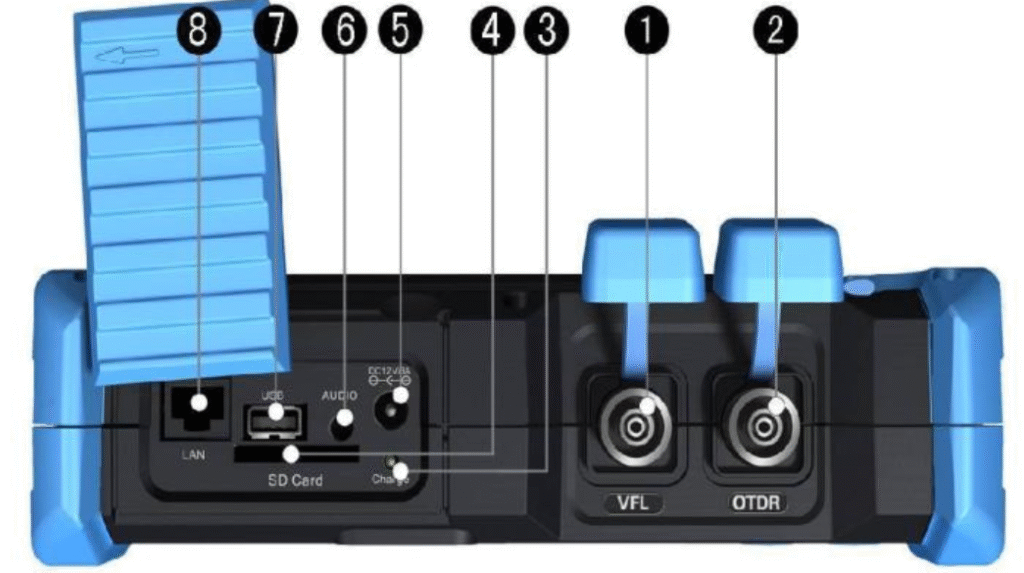
| Storage | 8GB SD Card (10,000+ Traces) | Extensive data logging for large projects |
| Certification | ISO9001, CE, OHSMS, FCC | Guaranteed quality and reliability |
5. How to Master the G-Link TR600 Interface for Professional Results?
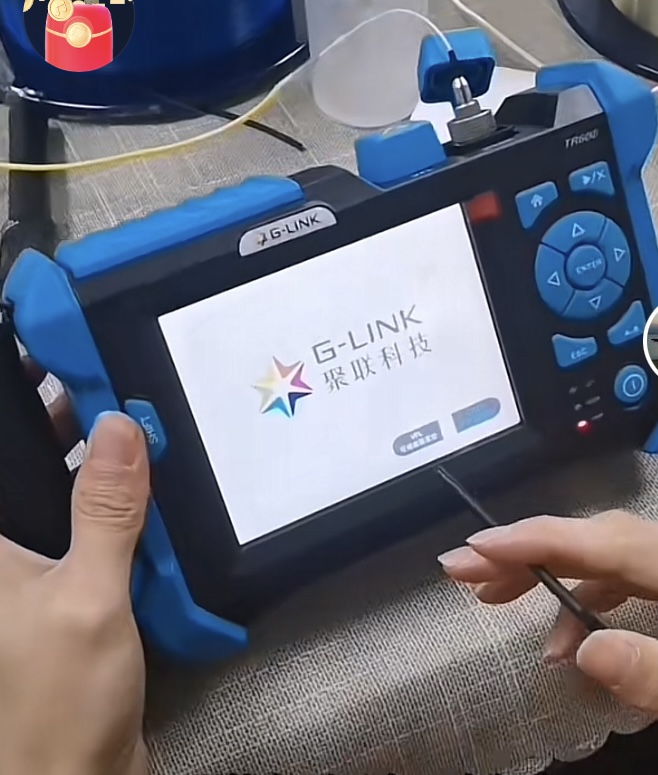
While the G-Link TR600 OTDR is designed for simplicity, mastering its advanced interface allows you to unlock its full potential for complex Metro and FTTx environments. Here is how we recommend navigating the core functions:
1. The Power of One-Click Testing
For emergency troubleshooting, time is of the essence. From the Home screen, simply press the [▶/X] (Measure/Stop) button. This triggers the Smart Auto-Measurement mode, where the TR600 automatically evaluates the fiber length and adjusts the Pulse Width and Distance Range for you.
2. Manual Parameter Configuration for Experts
When we need to certify a link according to strict ISO standards, manual adjustment is key. Navigate to the “Setup” menu to access these critical tabs:
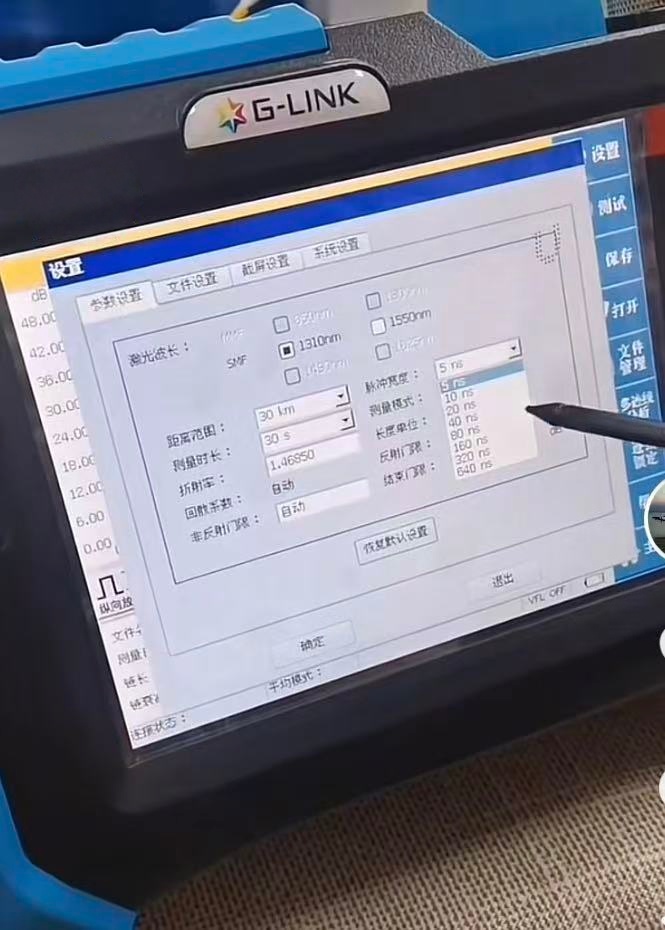
Wavelength Selection: Toggle between 1310nm, 1550nm, or even 1625nm for live fiber monitoring.
Distance Range: Options scale from 300m to 180km, ensuring you have enough “look-ahead” distance for backbone links.
Pulse Width: Fine-tune from 5ns (for high-resolution short-range faults) up to 20.48µs (for penetrating high-loss splitters).
| Button / Combination | Function Description | Professional Use Case |
| [▶/X] Key | Start/Stop Measurement | Quick field diagnostics |
| [Shift] + [▲][▼] | Vertical Zoom In/Out | Analyzing micro-bends in the trace |
| [Shift] + [◀][▶] | Horizontal Zoom In/Out | Expanding closely spaced connectors |
| [A-B] Key | Switch Cursor A & B | Measuring loss between two specific points |
3. Advanced Trace Comparison (Trace Fixing)
One of the unique features of the TR600 is the Trace Fixing mode. We use this to open multiple saved traces simultaneously. By comparing a “Golden Trace” (recorded at installation) with a “Live Trace,” technicians can instantly spot optical fiber degradation, moisture ingress, or connector wear that occurred over time.
4. Efficient Data Management
The TR600 supports an 8GB SD card, capable of storing over 10,000 traces. We recommend using the included TR600 OTDR Traces Manager PC Software for batch processing. It allows you to generate professional test reports with your company logo, ensuring a seamless handover to your clients.